List on your phone
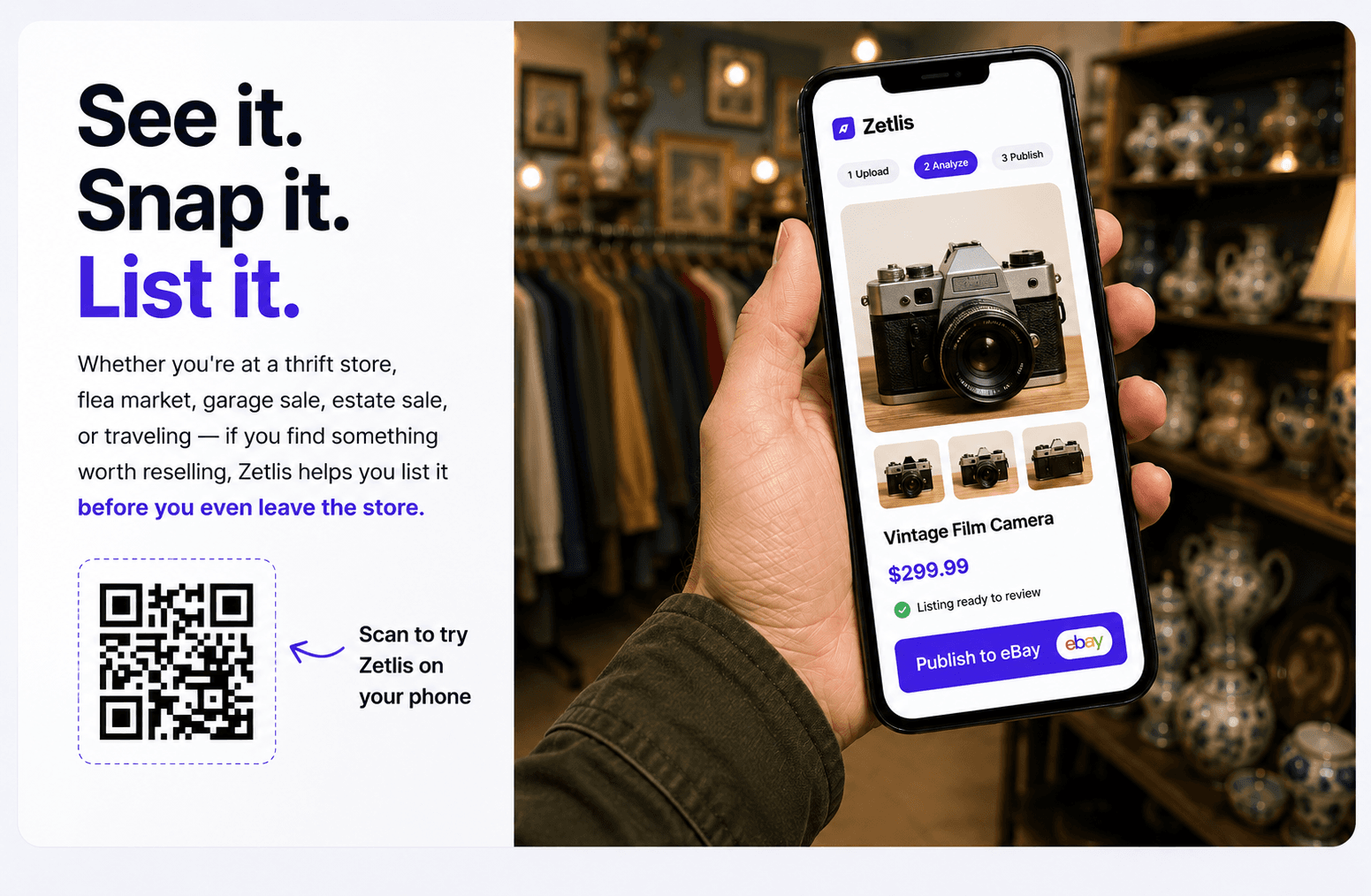
See it. Snap it. List it.
Take the photos. Create your listing. Publish before you even get home.
Zetlis puts the complete listing workflow right on your phone. Add it to your home screen for one-tap access, then create and publish listings wherever you are — at home, at a garage sale, a flea market, a thrift store, while you're sourcing, or anywhere else you find something worth selling.
10 free listings. No credit card.
Wherever you find it, list it there
Nothing has to wait until you're back at a desk. Pick the item up, take the photos and let Zetlis create the listing while you're still standing there.
- At home
- Garage sales
- Flea markets
- Thrift stores
- Sourcing trips
- Anywhere else
The complete Zetlis workflow, on your phone
This isn't a lighter version of Zetlis. Everything you can do on your computer, you can do on your phone — the same steps, the same complete listing.
Take or upload photos
Shoot them with your phone's camera right there, or pick them from your gallery.
Zetlis analyzes
It identifies the item from your photos before it writes a word.
Title options & keywords
Three complete eBay titles under 80 characters, with one-tap keywords.
Description
A complete description, written to the Seller Profile you choose.
Item specifics
Brand, type, model and the other details eBay asks for, filled in for you.
Review & edit
Change anything you want, or change nothing.
Publish to eBay
One tap sends the listing straight to your connected eBay account.
Your eBay listing can be live before you even get home.
Prefer to finish at your desk? That works just as well. Every listing is saved to your History, so you can pick it up on any device and publish from there. Where you finish is up to you.
Keep going from here
Create now. Review later.
Clearing out a garage or a closet? Turn photos into listings while they're already in your hands, then review everything from your History when you're ready.
See how it worksReuse a saved listing
Never start the same listing from scratch again. Reopen a listing already saved in your History and publish again — no new analysis credit needed.
See how reusing worksCommon questions
Is Zetlis on a phone a simplified version?
No. It's the same Zetlis. Photos, AI analysis, title options and keywords, description, item specifics, review and publishing to eBay all work on your phone exactly as they do on your computer.
Do I need to install an app?
No app store download. Zetlis runs in your phone's browser — open it in Safari or Chrome and sign in. If you want one-tap access, add it to your home screen from the browser's share or menu button; the Zetlis homepage shows the steps for iPhone and Android.
Can I start on my phone and finish on my computer?
Yes. Every listing you create is saved to your History automatically, so you can open it on any device where you're signed in, keep editing and publish from there. Publishing from your phone is an option, not a rule.
Found something worth selling?
Take the photos, create the listing and publish — right where you are. The complete Zetlis workflow, on your phone.
Try Zetlis free →No credit card required.