Part of the Zetlis listing workflow
Create eBay multi-variation listings faster
Create one listing with all your sizes and colors, apply price and quantity across the variations, then adjust only what's different. Zetlis prepares the structure so you can review and publish without building every combination one by one.
Two ways to list — Zetlis prepares both
Choose the structure that fits the product. Zetlis prepares either one.
Separate listings
One listing for each selected size or color
Leave variation mode off and every size you picked becomes its own listing, all built from the same photos, title and description.
Multi-variation listing
One eBay listing with every combination you sell
Turn variation mode on and buyers choose their size and color on a single page, which you manage as one listing.
From your photos to every variation
Upload the product once. Then choose the sizes, colors and combinations you actually sell.
The photos you upload
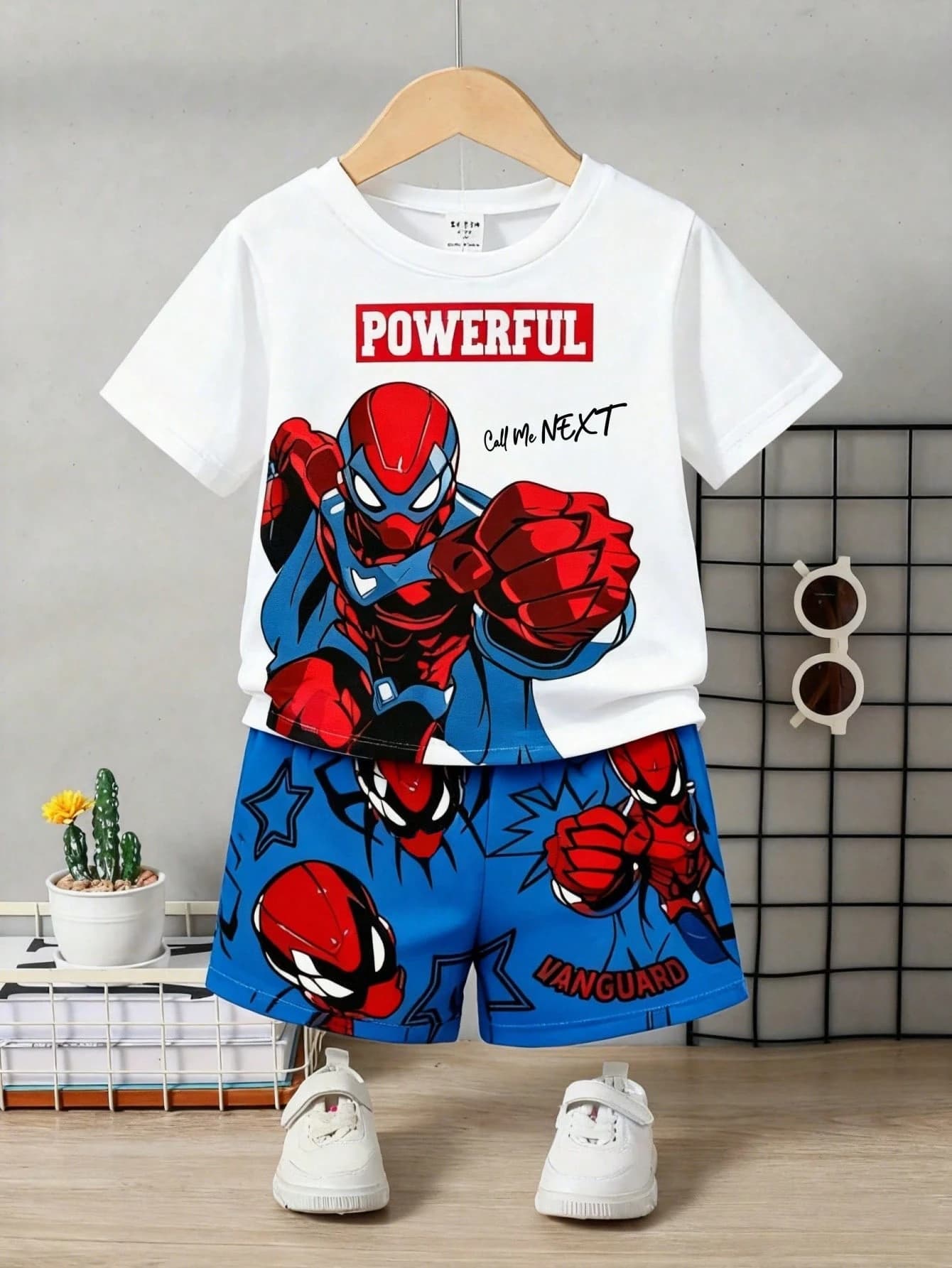
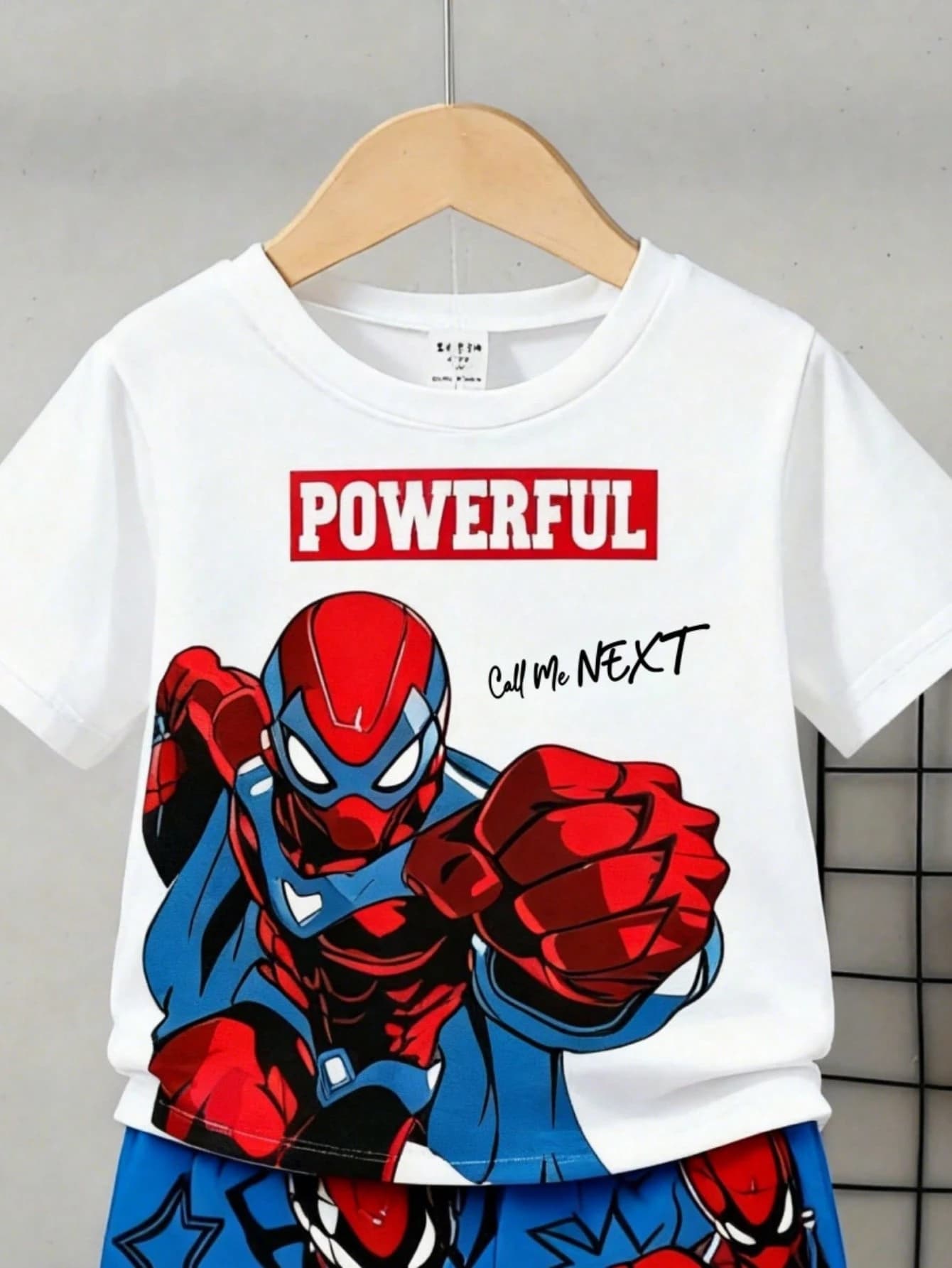
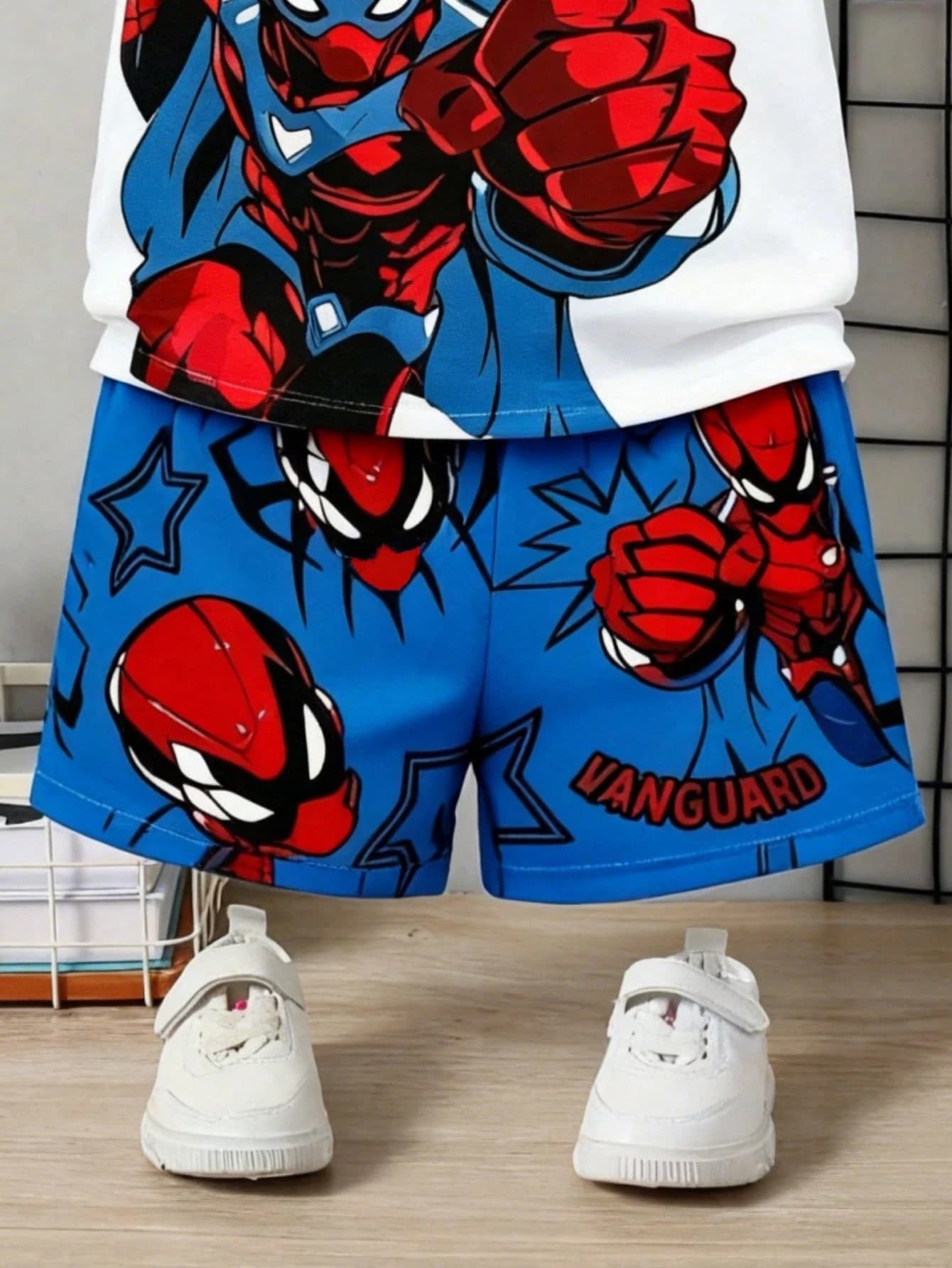
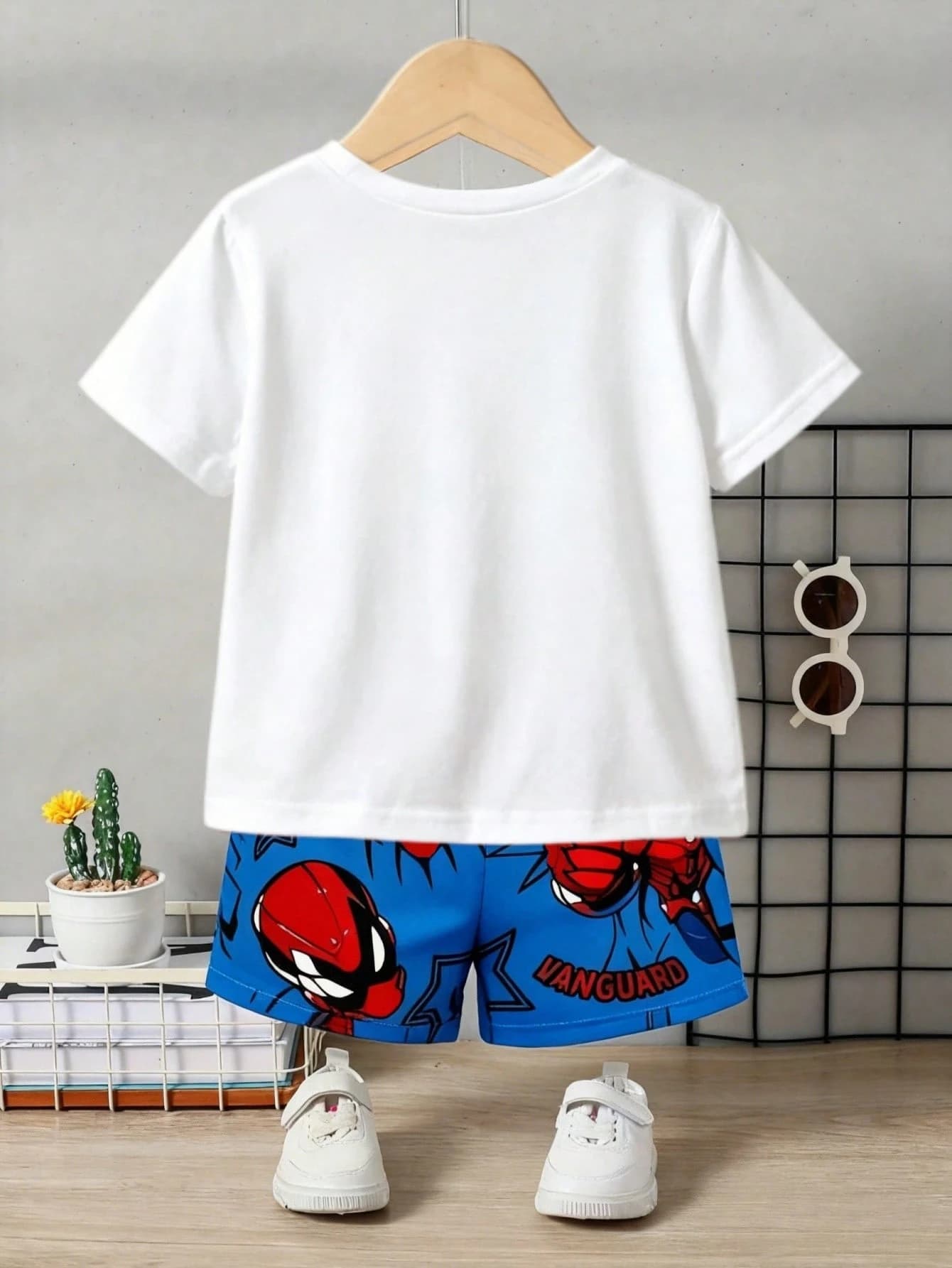
The real Zetlis Sizes & Colors panel for the outfit above — one price and quantity applied across every variation, and each row still editable.
Choose what you sell
Select only the sizes, colors and combinations you actually carry — and type in a custom color if the one you need isn't listed.
Apply once
Set a common price and quantity across the variations instead of entering them one by one.
Change only the exceptions
Adjust individual prices, quantities or combinations only where something differs.
You decide which combinations exist, what they cost and how many you have.
Review, then publish
Check your variations, prices and quantities, make any final changes, then publish directly to your connected eBay account.
Upload a photo and prepare a full variation listing — free, no credit card.
Not just clothing
Change the product category and Zetlis adapts the available options. Footwear, clothing, accessories and other products that support variations on eBay can use the same workflow.
The same builder on a women's footwear listing — a custom Gold color added, combinations the seller doesn't carry unchecked, and individual quantities edited.
Explore the rest of the workflow
The title step
Start with stronger eBay titles. Zetlis gives you three title options plus relevant search keywords — so you never have to start from a blank box.
See how this step worksThe description step
Descriptions that sound like your store. Zetlis turns your photos into a ready-to-use description shaped around your Seller Profile and selling style.
See how this step worksThe complete listing
From photos to a complete eBay listing. Zetlis builds the title, description, item specifics, category and more — ready for you to publish.
See the full workflowBulk listing
Turn a folder of products into listings at once. Drop in your organized product folders and let Zetlis create the listings while you move on to something else.
Learn how the workflow scalesReuse a saved listing
Never start the same listing from scratch again. Reopen a listing already saved in your History, make your changes and publish again — no new analysis credit needed.
See how reusing worksList from anywhere
See it. Snap it. List it. Take the photos, create the listing and publish to eBay before you even get home — right from your phone.
See how it worksCreate now. Review later.
Turn photos into listings while they're already in your hands. Take the photos on your phone and let Zetlis create and save each listing to your History. Publish right away or review everything later on your computer.
See how it worksHow Zetlis works
The overview: one upload, one assistant, one complete eBay listing — and where every field comes from.
Explore the workflowCommon questions
What is an eBay multi-variation listing?
It's a single eBay listing that contains several buying options — for example one clothing listing that offers multiple sizes and colors, instead of a separate listing for each combination. Buyers pick the size and color they want on the one page, and you manage the whole thing as one listing.
Should I use one variation listing or separate listings?
Use a multi-variation listing when the same product comes in different sizes or colors — clothing, shoes, and accessories are the usual cases. Use separate listings when the items are genuinely different products. Zetlis prepares both, so you can pick whichever fits the item.
Can I apply one price and quantity to every variation at once?
Yes. You set a single price and a single quantity and Zetlis applies them to every variation, so you're not typing the same numbers dozens of times. From there you only change the combinations that differ.
Can I keep different stock levels for different combinations?
Yes. Every variation keeps its own quantity and price, so Black size 8 might be 4 units while Red size 7 is 2. Combinations you don't carry at all can be unchecked, and they won't be listed.
Build a variation listing without the busywork
Upload your photos, choose the sizes and colors you sell, apply price and quantity across the variations, and adjust only the exceptions — then review and publish.
Try Zetlis free →No credit card required.