Part of the Zetlis listing workflow
Stop starting every eBay title from a blank box
Upload your product photos and Zetlis creates three complete eBay title options based on the item and your Seller Profile.
Choose one, edit anything you want, add or remove suggested keywords, and watch the 80-character counter update as you work.
Upload a photo and get your three title options — free, no credit card.
From your photos to three eBay titles
Original photos uploaded to Zetlis
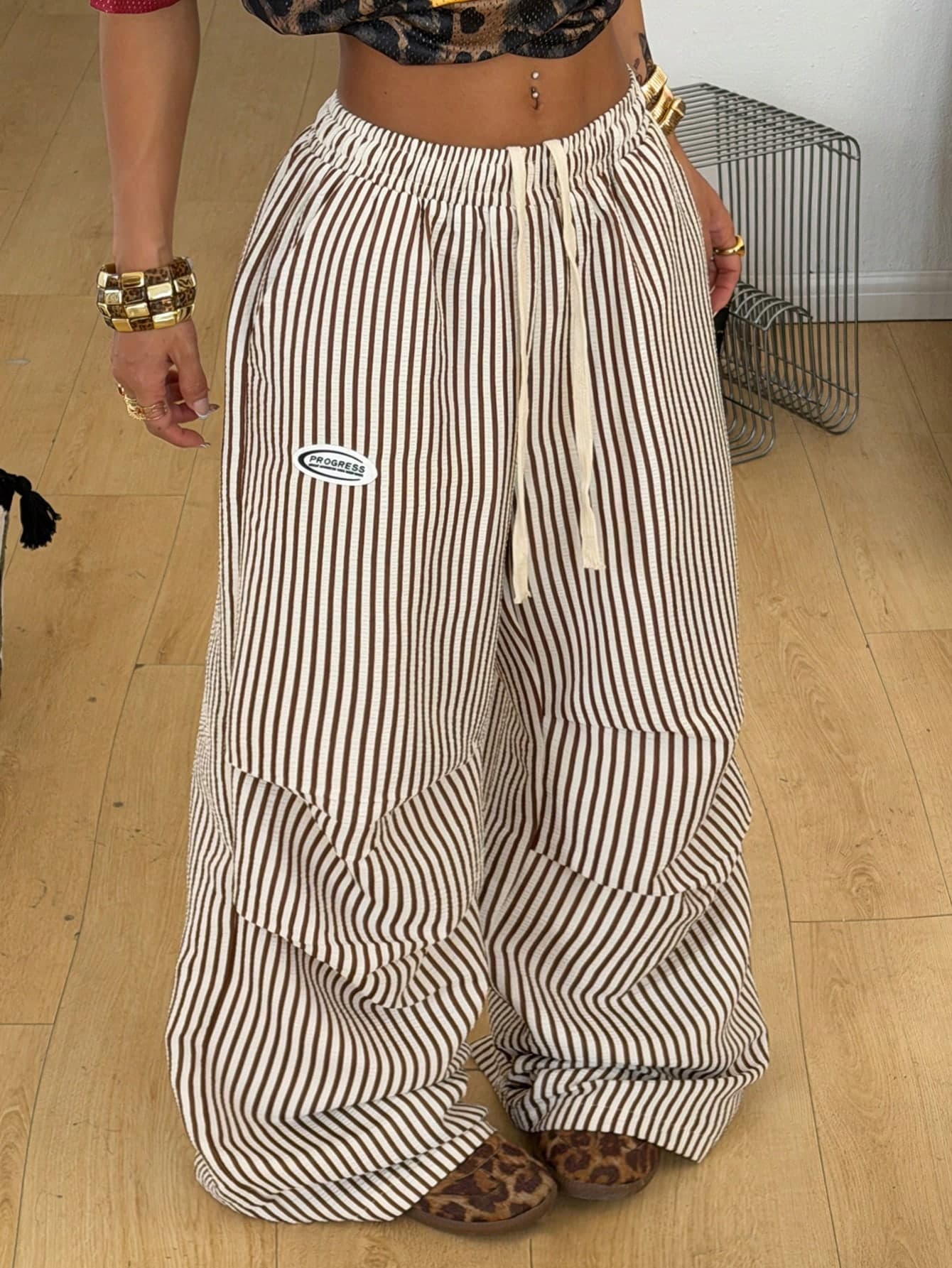
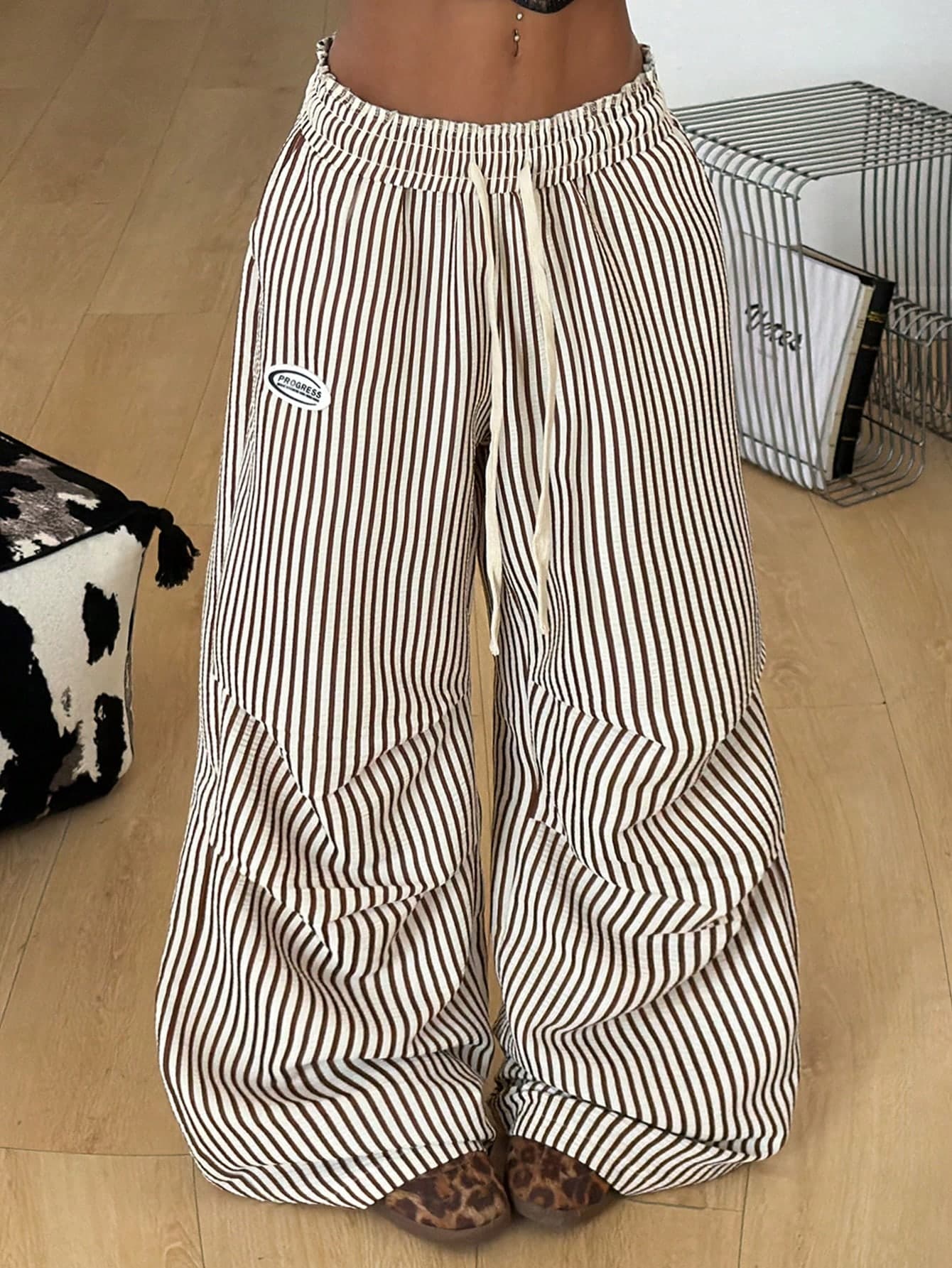


Three titles. Different keyword combinations. You choose what fits your listing.
What Zetlis gives you
3 title options
Zetlis gives you three complete titles to choose from.
Keyword control
Add or remove suggested keywords with one click.
80-character counter
See the character count update while you edit.
Common questions
Are the generated titles finished, or just ideas?
They're complete and meant to be used as-is. Zetlis gives you three finished titles drawn from your photos, and you can select one and publish it. The keyword chips and the editable field are there for when you want to adjust a title, not because you're expected to change it.
Does this work for any kind of item, or only clothing?
Any item you can photograph. The example on this page is a pair of cargo pants, but Zetlis reads whatever is in your photos — electronics, collectibles, tools, toys — and writes the title around the details that matter for that kind of product. Your Seller Profile sets the wording style it follows.
Will using this tool make my item rank higher on eBay?
No tool can promise that. eBay decides search placement using factors well beyond the title, including price, sales history, and item specifics. Zetlis helps you write a clear, relevant, keyword-aware title within eBay's limit — which is good practice — but it does not guarantee rankings, traffic, or sales.
Generate your first eBay title from a photo
Upload a product photo and see the three title options, keyword chips, and live counter on your own item.
Try Zetlis free →No credit card required.