The whole Zetlis workflow, in one page
Create a complete eBay listing from your photos
Upload your product photos and Zetlis creates the title, description, keywords, item specifics, and a suggested eBay category in one analysis.
Review anything you want to change, then publish the finished listing straight to your connected eBay account.
Your photos in. A complete eBay listing out.
The photos you upload
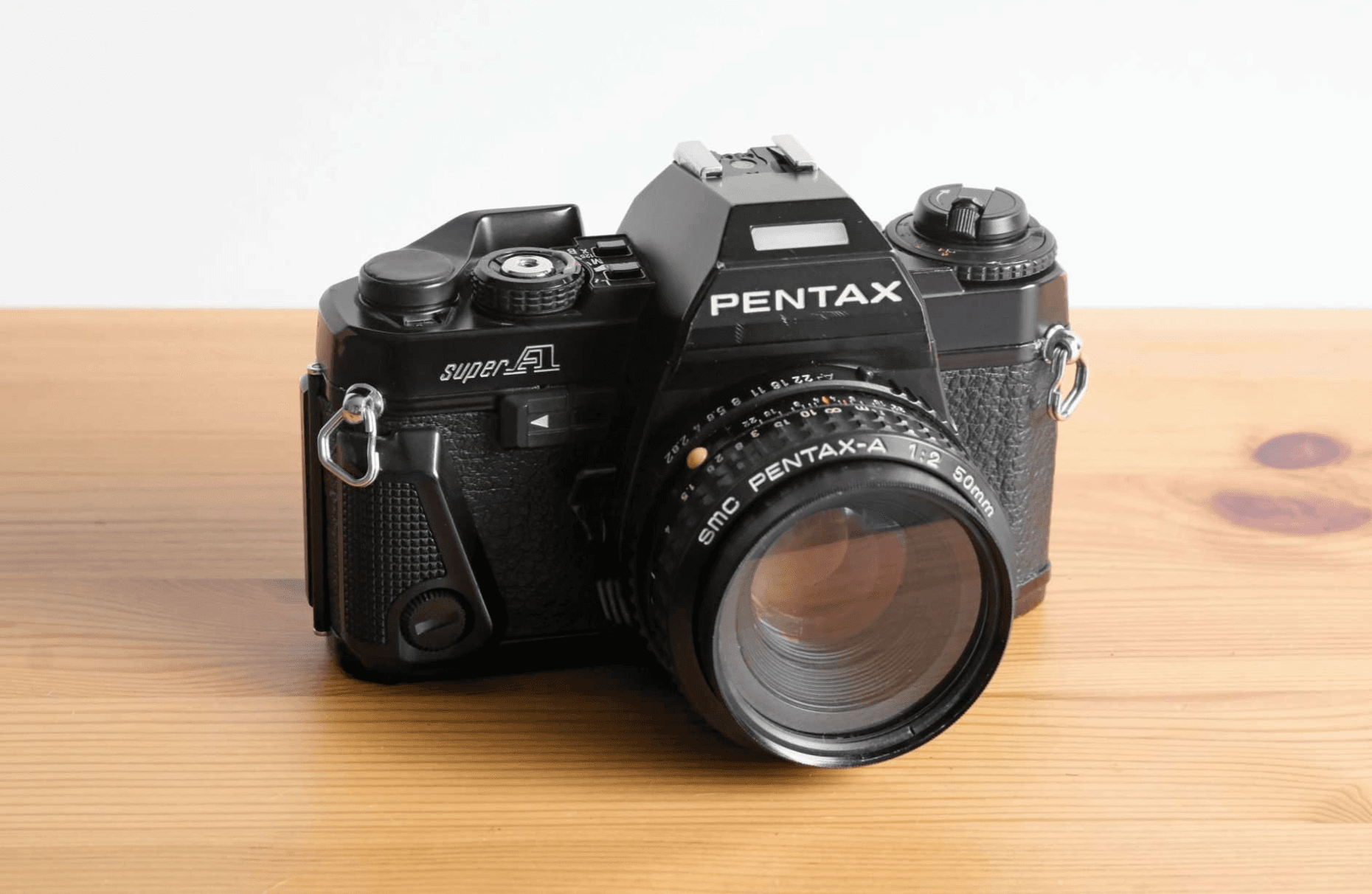
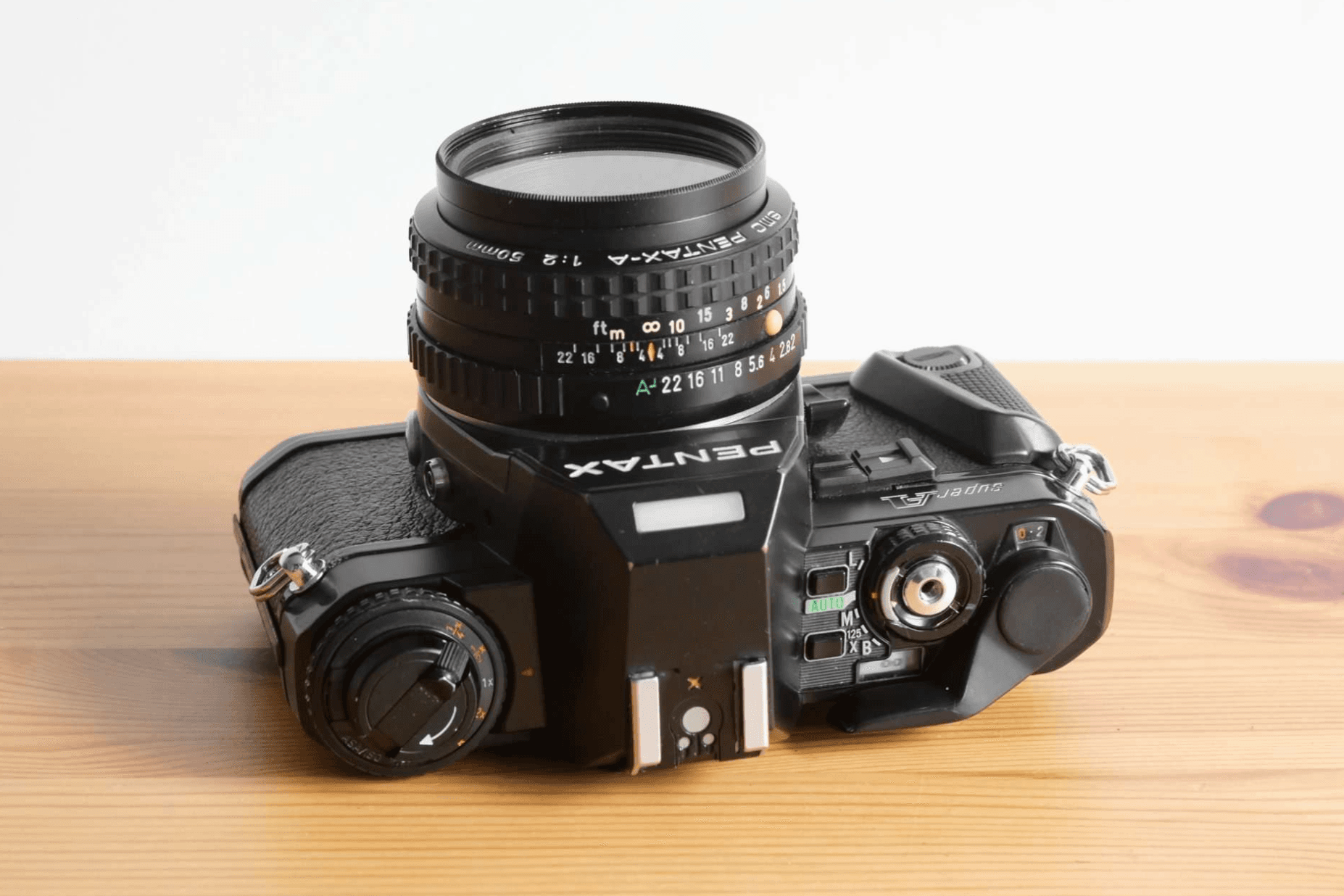

The real Zetlis listing editor. Category, price, package details, condition, and item specifics — filled in from the photos, every field editable, with one button to publish to eBay.
Built around the fields eBay asks for
This isn't a generic block of AI text. Once the product's eBay category is identified, Zetlis works with the fields eBay provides for that type of product and fills in the details it can determine from your photos.
Different products need different details, so the listing you review is a real eBay listing structure — not text poured into one fixed template.
Different products, different fields
For this film camera, eBay asks for Brand, Type and Model, plus optional details like format and focus type. A pair of trainers would ask for size, colour and style instead. Zetlis fills in what the photos show and leaves anything it can't be sure of for you to confirm.
One analysis. A complete listing.
From the same product photos, Zetlis builds the core parts of your eBay listing in one workflow.
- 3 Title Options
- Complete Description
- Keywords
- Item Specifics
- Suggested Category
Review it. Change anything. Publish when you're ready.
Review
See the whole listing
Everything Zetlis created is on one screen — not a stack of empty fields to fill in.
Edit
Change any field
Title, description, keywords, item specifics, category, price, package details — edit anything, or nothing.
Publish
Send it straight to eBay
With your eBay account connected, the finished listing goes live from Zetlis. No copying and pasting between tools.
You stay in control of the entire listing. Everything Zetlis prepares from your photos and Seller Profile stays editable. A few seller-specific details — like your price and shipping weight — are left for you to enter because they depend on the item and how you want to sell it, and nothing goes live until you publish.
Upload your photos and see the complete listing Zetlis builds — free, no credit card.
Once you're listing regularly
Seller Profiles
Set how you want listings written once — tone, keywords, things to avoid — and keep each store in character.
How Seller Profiles workBulk listing
Turn a folder of products into listings at once — drop in your organized folders and let Zetlis do the rest.
See bulk listingSaved listings
Never start the same listing from scratch again. Reopen it from History, edit it, and publish again — no new analysis credit needed.
See how reusing worksBackground reading
Common questions
What does Zetlis create for an eBay listing?
From your product photos, Zetlis creates the title (with three options), a complete description, suggested keywords, item specifics for the category, and a suggested eBay category. Together that's a complete listing, ready to review and publish.
Can I edit the listing before publishing?
Yes. Every field is editable — title, description, keywords, item specifics, category, price, and package details. Editing is optional, and nothing goes live until you publish it.
Can I publish directly to eBay from Zetlis?
Yes. Once your eBay account is connected, you can publish your finished listing directly from Zetlis to eBay — no copying and pasting. You review everything first, make any changes you want, and publish when you're ready.
Turn your photos into a complete eBay listing
Upload your product photos and see the full listing Zetlis builds — title, description, keywords, item specifics, and category, ready to review and publish.
Try Zetlis free →No credit card required.